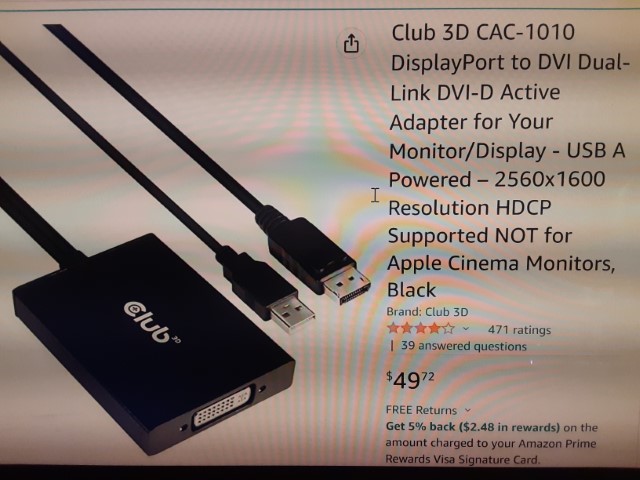
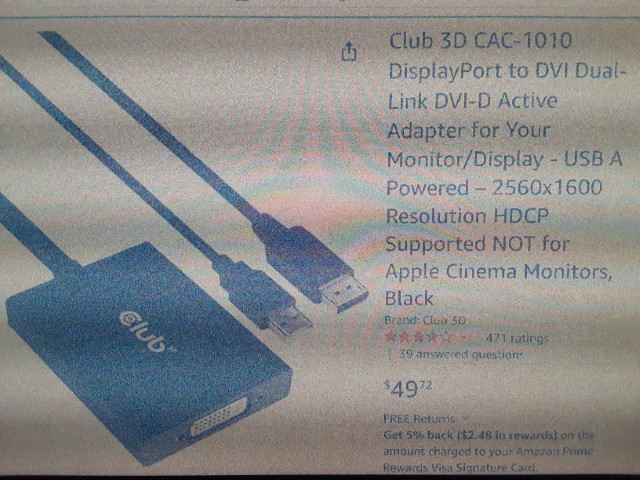
I just purchased the above Displayport to DVI active adapter to use with my Korean Qnix 2710 1440p monitor, which has only a single DVI input. It works with most content, but anything with HDCP -- such as Amazon Prime videos, Youtube "Free With Ads" movies, or even Spotify audio -- causes the picture on the Qnix to go fuzzy, even when I am playing it on my second monitor, which is an LG 32GQ850-B.
The adapter is indicated as "HDCP Supported", so I am not sure what is going on. I am using it with an EVGA 980 Ti, which has a DVI port that works fine with the QNIX, but later cards do not have a DVI port, and I wanted to find a working adapter before I upgrade. I have connected the USB cable directly to the motherboard (Asrock X370 Taichi), and since the adapter works with regular content, I don't see how that could be the issue.
I have emailed support with the above symptoms, but maybe they are away for the New Year's holiday.
I saw a similar post from someone with my monitor, but the solution was not posted, just that support helped them resolve it.
Here is the normal image followed by one with HDCP content playing on my 2nd monitor: