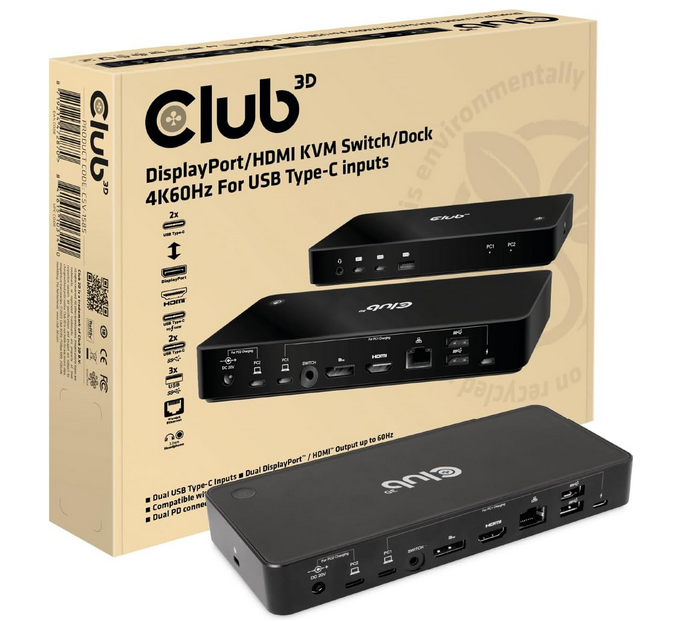
upon pressing the switch button the dockingstation switches only the display, but the mouse and the keyboard are not switched
Which KVM? How does your setup looks like? What mouse keyboard. More info would not hurt.

I'll check if it has to do with the wireless setup. I'll update you asap.
Meanwhile, might be an option to reach out to [email protected]
They might have more insight in this.
Is your whole system up to date?
Windows
BIOS (this is most important)
Check the Bios of the Dell if it allows none Dell docks to be accepted via the USB-C, it's something new from Dell trying to make USB not Universal...
I just checked with a Dell XPS (USB-C 3.2) and a Intel NUC (Thunderbolt4). and for me it seems to work with a wireless mouse.
I connected all peripherals first, then connected USB-C to source, then power.
Hope it helps!