
I use the MST Hub to connect my notebook with 4 monitors. But windows 10 says I have only one Monitor connected to my notebook. So I can only configurate my notebook monitor and one additional monitor. Every of this 4 monitors shows the same, but I like to use everyone of them as own display. Please can anyone help me? Thanks!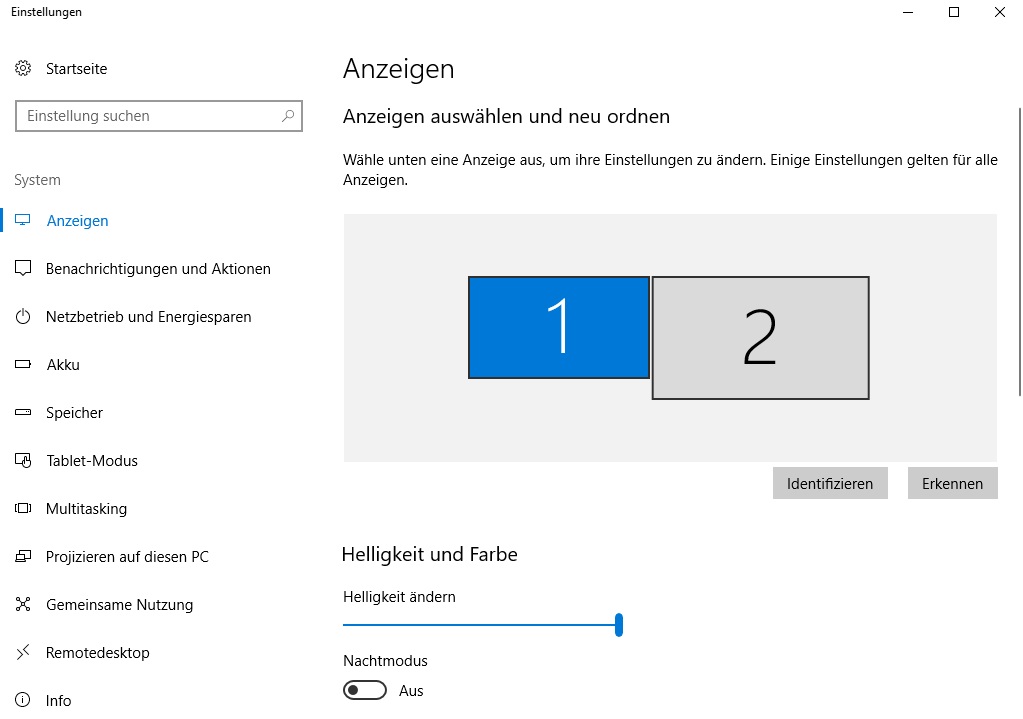
Problems with the Multi Stream Transport (MST) Hub DisplayPort™
Good day ANdreas,
Which Notebook you have (brand and type nr).
In general
Most notebooks have integrated graphics that often do not support more than 3 screens intotal, The notebook screen is 1, so plus 2 external screens make 3 in total. You could also disable the Notebook screen and connect 3 external screens.
For an MST Hub to function in a proper manner the Source system (your notebook in this case) needs to support MST (Multi Stream Transport). MST Feature was added to DispalyPort specs from version 1.2 onwards, please check if your system has a DP 1.2 output, because it sounds like it does not.
Today I got another new notebook (Lenovo ThinkPad T450 with Intel HD Graphics 5500 and Displayport 1.2).
Now, I only can use 2 Displays and the display of my notebook. :-(
Looks like I have to send this notebook back again...
Can someone tell my a notebook who is able to use the MST Hub with 4 additional displays!?
Hi Andreas,
I do not know any Notebook that can do that.
if you want to connect 4 screens to a notebook i would suggest you to connect 2 screens from the DP1.2 output using a CSV-5200 or CSV-6200 or CSV-6200H and for the remaining 2 screens make use of a CSV-1474 or CSV-1477.
CSV-5200:
http://www.club-3d.com/en/detail/2408/multi_stream_transport_(mst)_hub_displayportt_1.2_dual_monitor/
CSV-6200:
http://www.club-3d.com/en/detail/2440/multi_stream_transport_hub_displayport_1.2_dual_monitor/
CSV-6200H:
http://www.club-3d.com/en/detail/2441/multi_stream_transport_hub_displayport_1.2_dual_monitor_to_hdmi/
The CSV-1474 / CSV-1477 are External USB Graphics Adapters that support resolutions up to 2 x 3840x2160 @ 60Hz. This works around the limitation notebooks have, WIN will recognize the screens and you can just set the resolution in the Graphics driver
CSV-1474:
http://www.club-3d.com/en/detail/2412/sensevision_usb_a_to_hdmit_2.0_dual_monitor_4k_60hz/
CSV-1477:
http://www.club-3d.com/en/detail/2413/sensevision_usb_a_to_displayportt_1.2_dual_monitor_4k_60hz/