
Just got a new macbook pro (2019) that only has usb-c ports and was hoping to use existing CSV-3242HDA so I purchased a usb-c to usb-a cable and installed the latest version of DisplayLink Manager (1.3.0) onto the macbook. It doesn't appear to work at all. The macbook pro acts as if there is nothing there at all.
Is this connection even possible?
Connecting USB-C to a CSV-3242HDA
Hi rwilliams,
It should work, but you will only have USB-A specifications.
What OSX version do you have? I believe that every OSX version has it's own DisplayLink driver. Check that. I won;t be able to tell you which driver belongs to which OSX you need to check this with Apple.
Also the light on the side of the docking is that on or off?
Currently the new laptop is running Big Sur (11.3.0).
Light on the side of the docking station is on and I can connect it to my older macbook running Catalina with no issues.
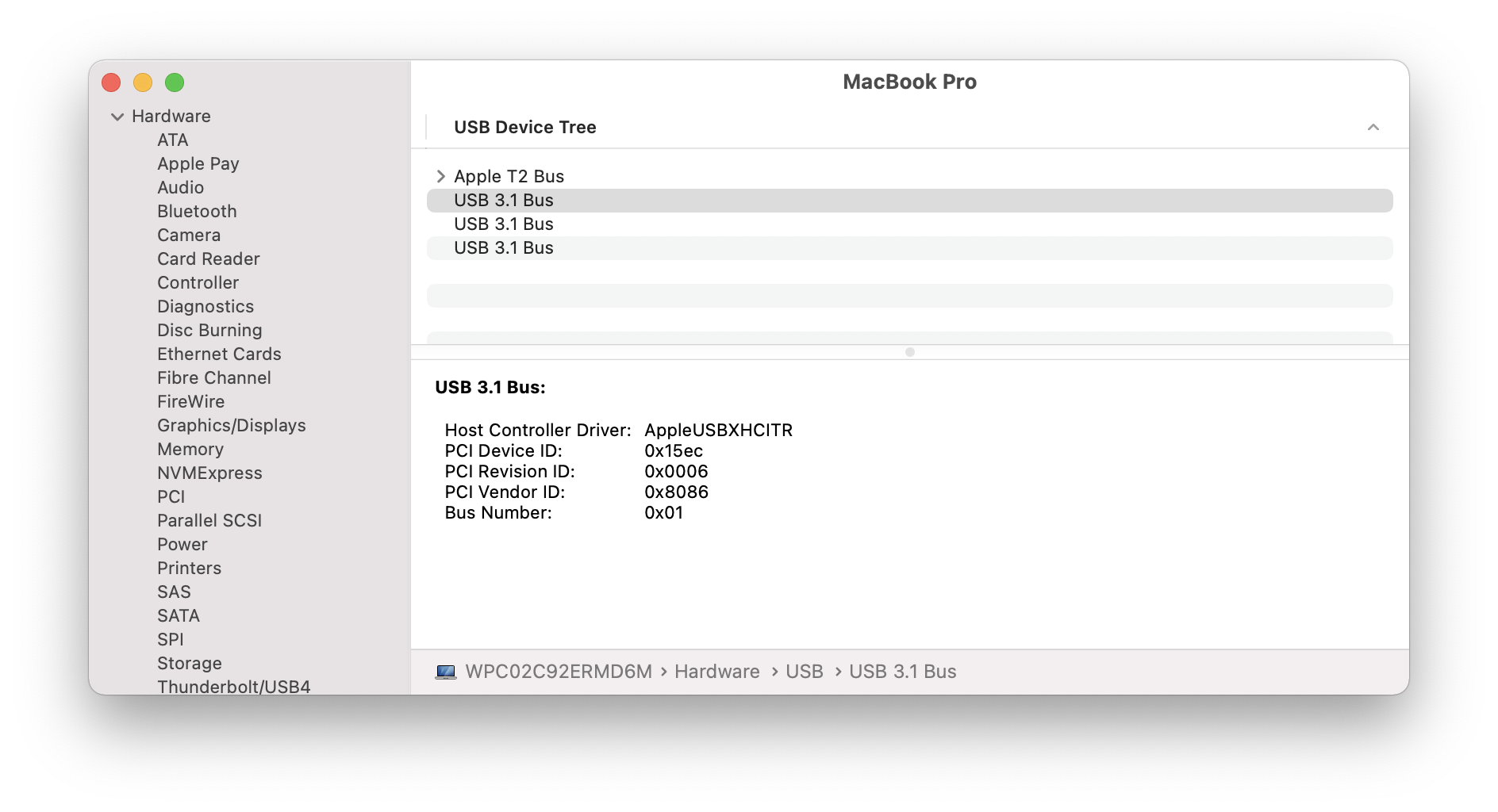
I've tested the ports on the new macbook by connecting a monitor directly. I have also tried several different usb-c to usb-a cables so I don't think that is the issue either.
Hi rwilliams,
It took a bit of testing but we got it worked out.
If you use the original USB-A cable with the CAA-1521 it works. I can't check it with a third party cable you are using.
https://www.club-3d.com/en/detail/2377/usb_3.1_type_c_to_usb_3.0_type_a_adapter/
I've tested this setup with a Mac Book Pro 2020. With Big Sur (11.3.0). and DisplayLink Manager (1.3.0) installed.
Check the Privacy Manager if DisplayLink Manager is allowed to be used too.