
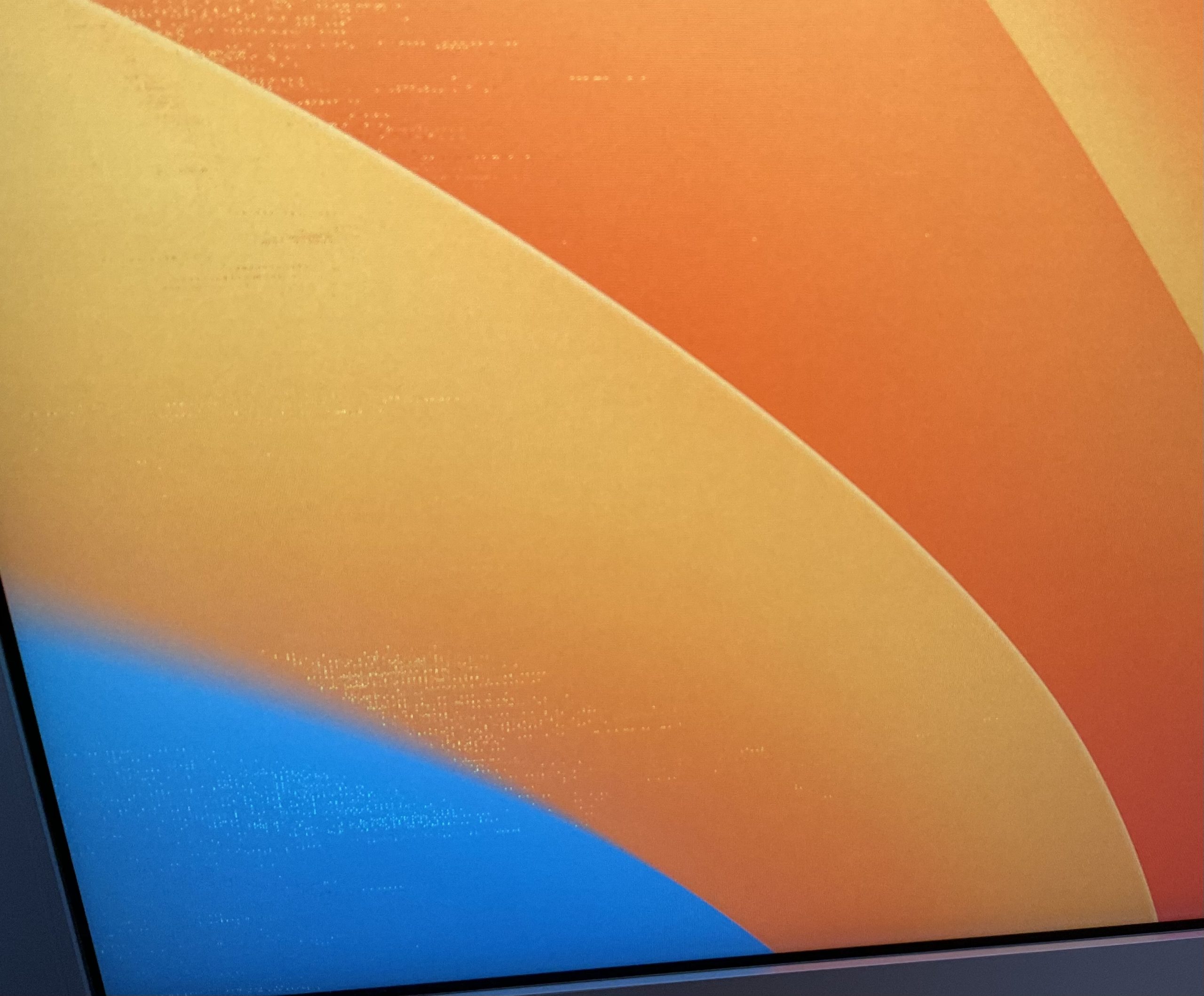
I have a 2021 M1 Pro MacBook Pro with Ventura 13.1 installed. I have connected the 30” Apple Cinema Display via the Club 3d CAC-1510-A Adapter. I also used a USB-A to USB-C adapter to plug in the diplays usb connection to the computer. I wind up with a picture with these shimmering streaks across it. I have tried rebooting the computer several times, unplugging the monitor from power and disconnecting the Adapter from the USB C ports and tried using different USB-C ports on the computer.
