• All
  • Members Lounge
  • USB Type C
  • Docking Station
  • MST Hub
  • USB Graphics
  • Adapters and Cables
    • DisplayPort 1.4 to 4K120Hz HDMI Adapter
  • Graphics cards
    • R9 Series
      • R9 Fury Series
      • R9 390 Series
      • R9 380 Series
      • R9 290 Series
      • R9 280 Series
      • R9 270 Series
    • R7 Series
      • R7 300 Series
      • R7 260 Series
    • R5 Series
    • Others
    • HD 7000 Series
  • Technology
  • Market Place
    • Hot Deals
    • For Sale or Trade
  • Warranty questions
  • Never Settle Campaign
  • News

Club 3D Insights

  • Unfollow
  • Follow
  • Profile
  • Logout

No output from Graphics Card

Updated on 10-01-2015 in R9 280 Series.
  • Close
  • Delete
12 0 on 13-12-2014
Rune1969

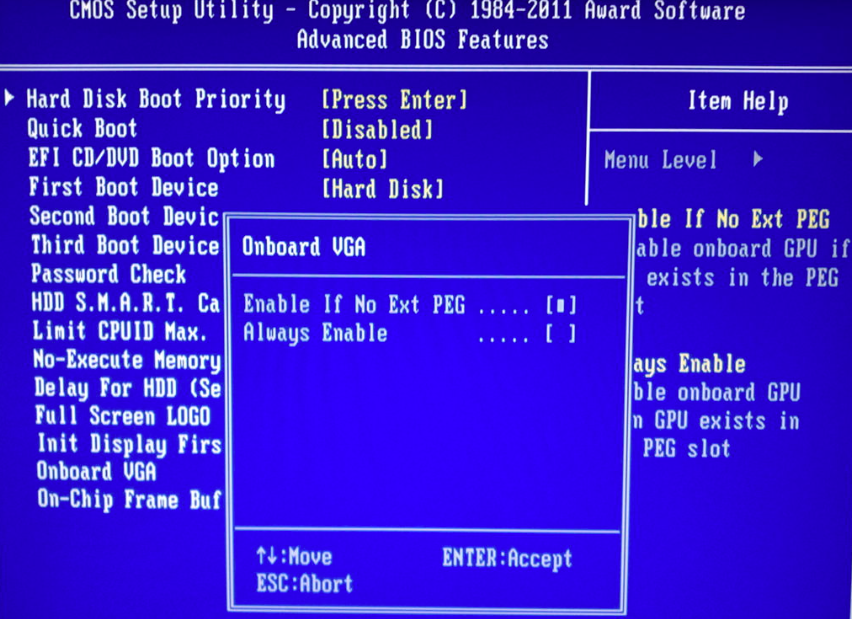
I inserted the Graphics Card in my PC. Attached monitor to internal Graphics and the bios told me to unplug and attach to eksternal GC. So BIOS recognizes that there is a Card.
Reboot with external GC but no output neither on DVI or hdmi.
PSU 750 W
PCI Express 2.0
8 Gb ram
Core 2 quad core 2,6 GHz

Insert Image Size must be less than < 5MB.
Save Cancel
Reply
0 0 on 13-12-2014
Rune1969

Please use the top one.

Insert Image Size must be less than < 5MB.
Save Cancel
Show more replies
Reply
Reply Cancel
1 0 on 14-12-2014
Paul

Hi Rune,
You need to deactivate the integrated graphics card and boot from PCIE or PEG
Reboot the system with the monitor cable attached to the discreet graphics card.

Insert Image Size must be less than < 5MB.
Save Cancel
Show more replies
0
Rune1969

Hi Paul.

Thx. for the reply but the computer has worked with an older PCI-e V2.0 card and as soon as this card is inserted there is no problem.

The sitting in the Bios is already set for PCI-e graphics.

Reply
Reply Cancel
0 0 on 30-12-2014
Paul

HI Rune,
Did you deinstall the previous graphics card driver?
Make sure that both PCI-E power connectors are attached to the card as well.

Insert Image Size must be less than < 5MB.
Save Cancel
Show more replies
Reply
Reply Cancel
0 0 on 30-12-2014
Rune1969

BHi Paul.
Here is what I have tried.
Boot up with the old graphics card. Uninstall all Nvidia drivers. Removed drivers from device manager. Turned off the PC. Removed the card.
Boot up to build in graphics. Installed the AMD drivers that came with the new card. Turned of PC.
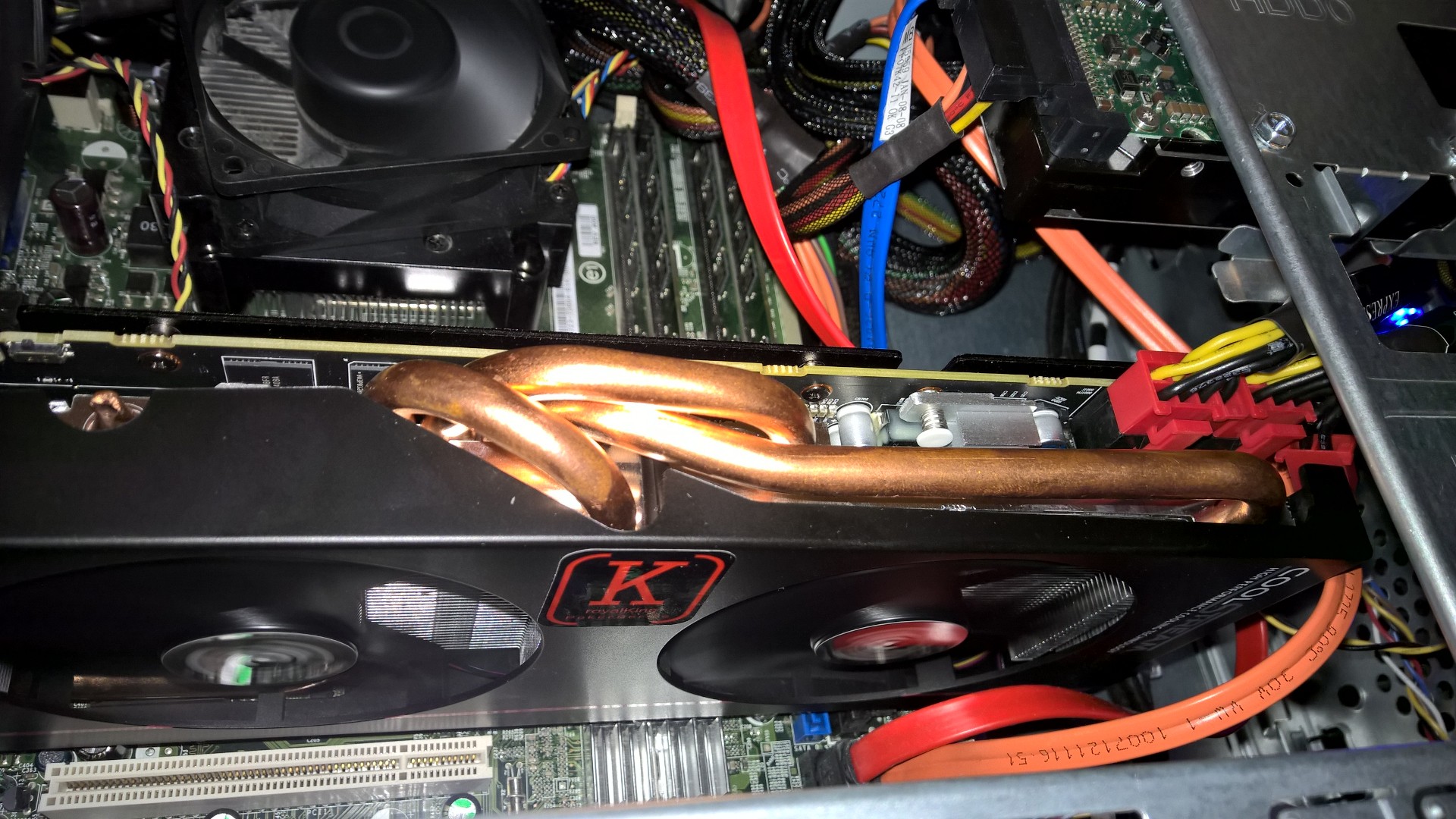
Inserted new card. See picture.
Boot up to new card. No signal to monitor.

Insert Image Size must be less than < 5MB.
Save Cancel
Show more replies
Reply
Reply Cancel
0 0 on 31-12-2014
Paul

Hi BHi,
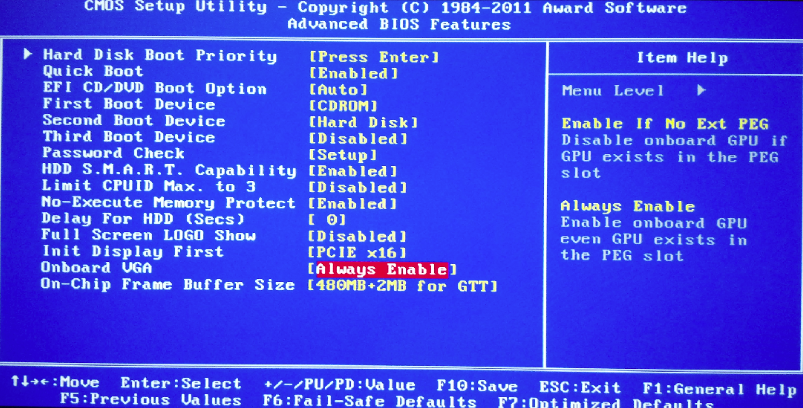
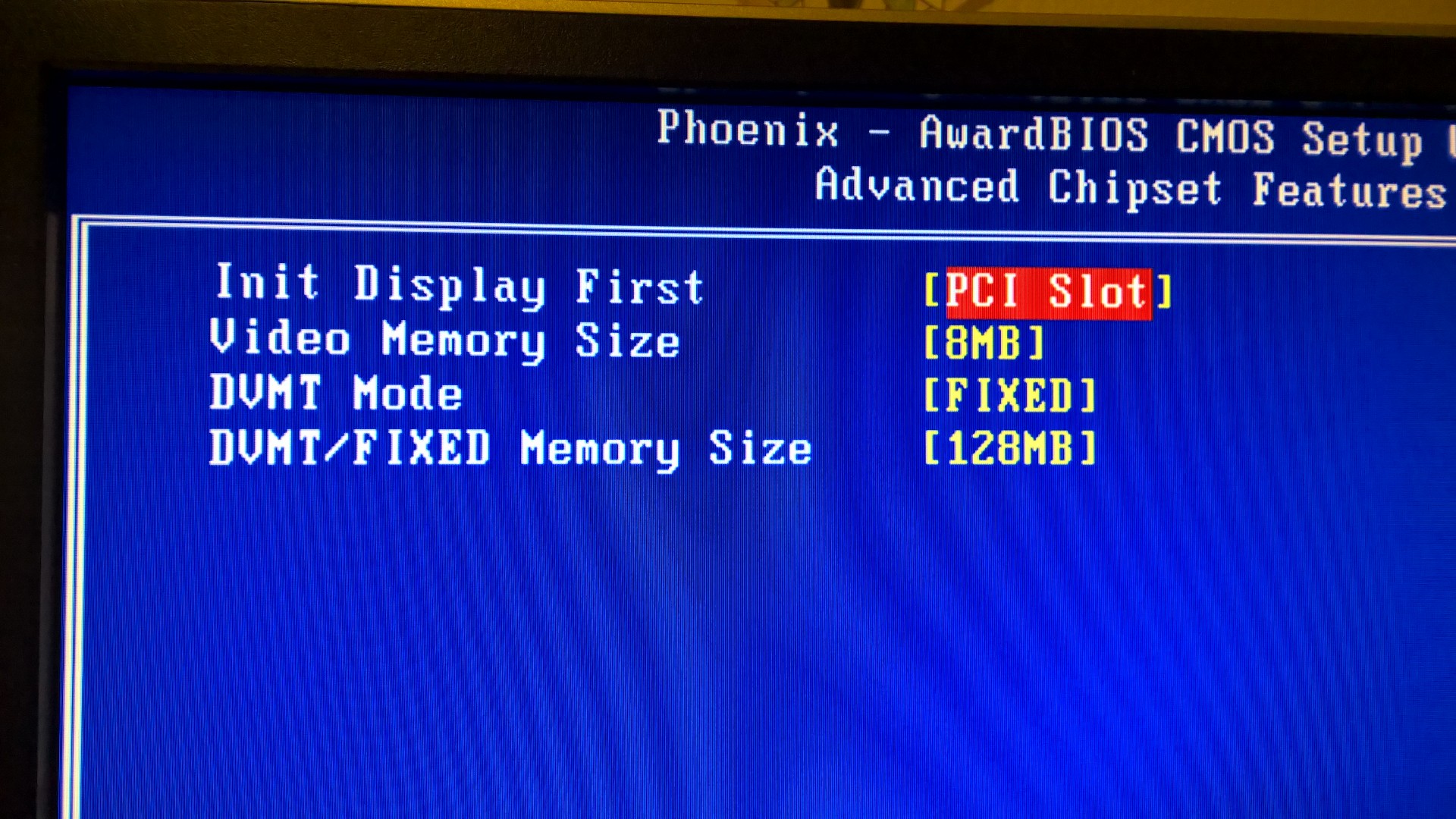
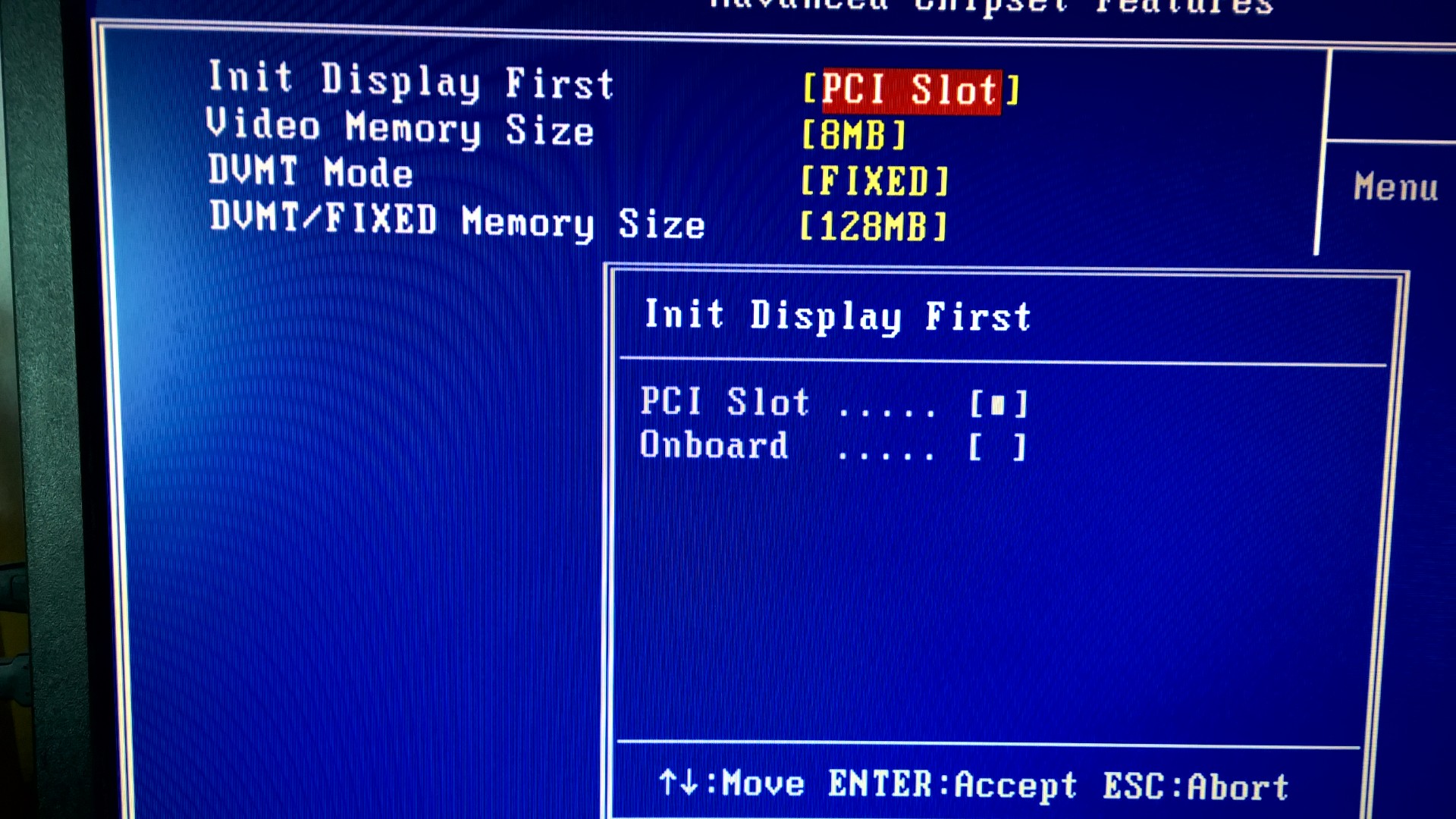
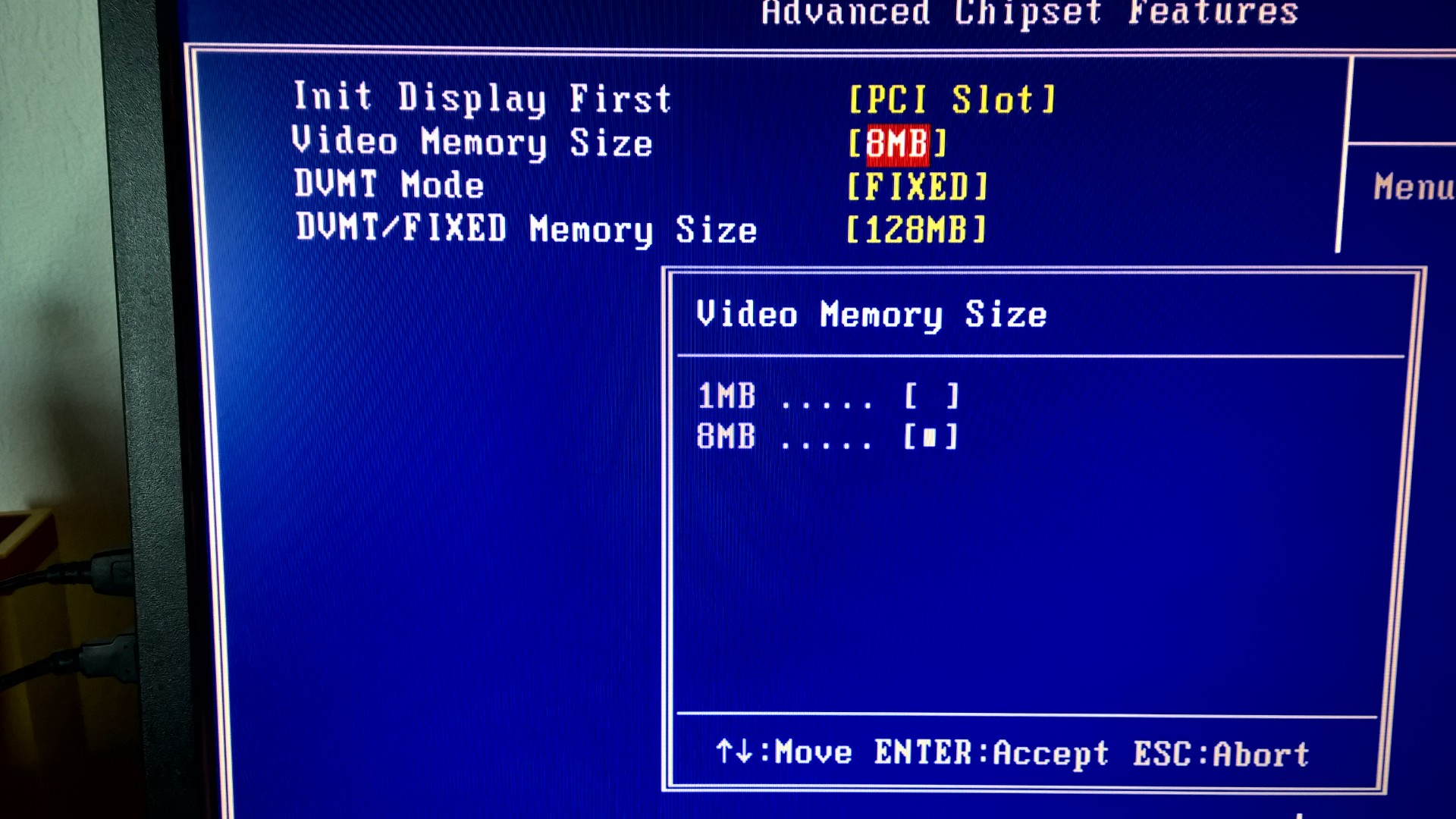
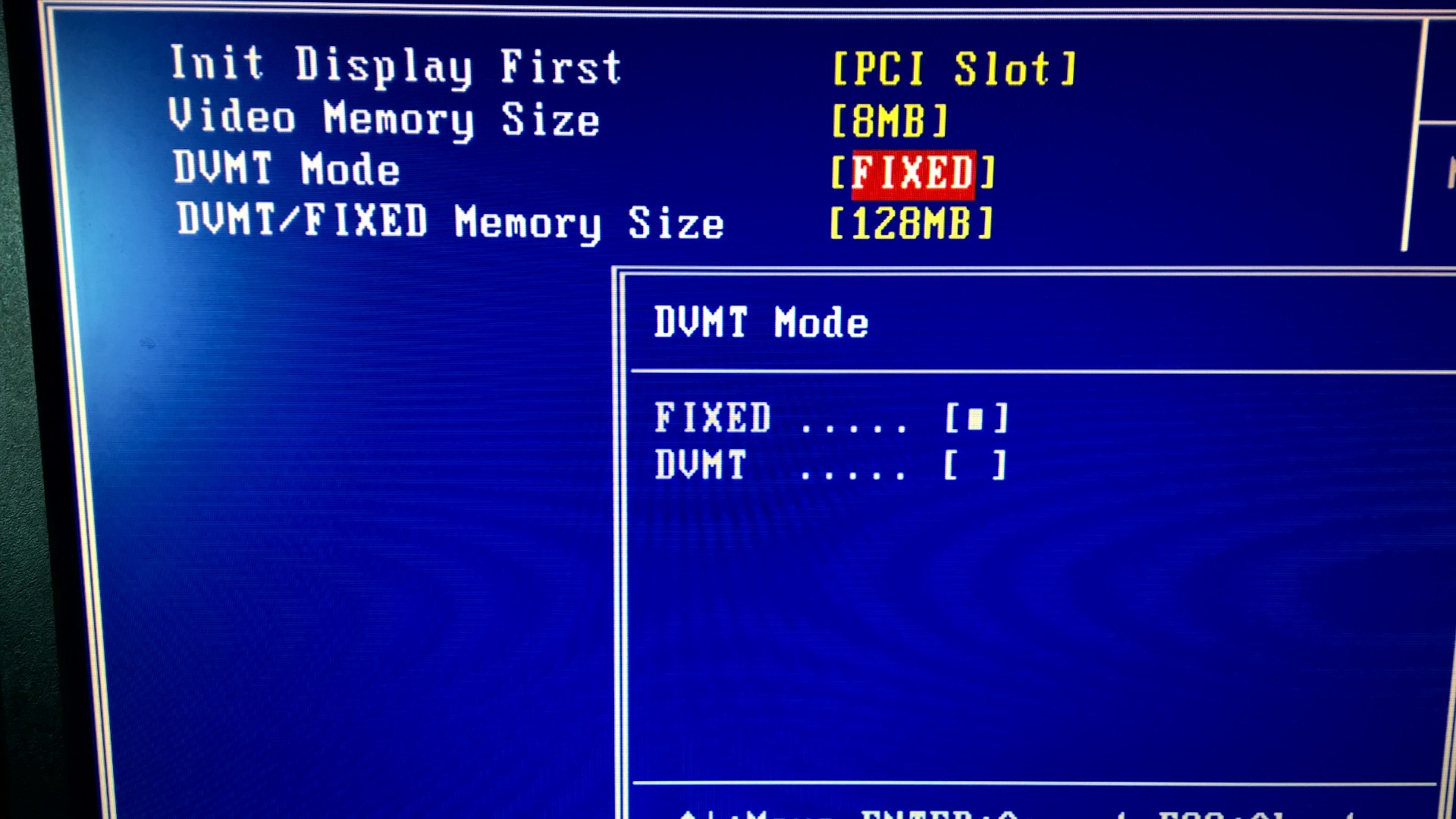
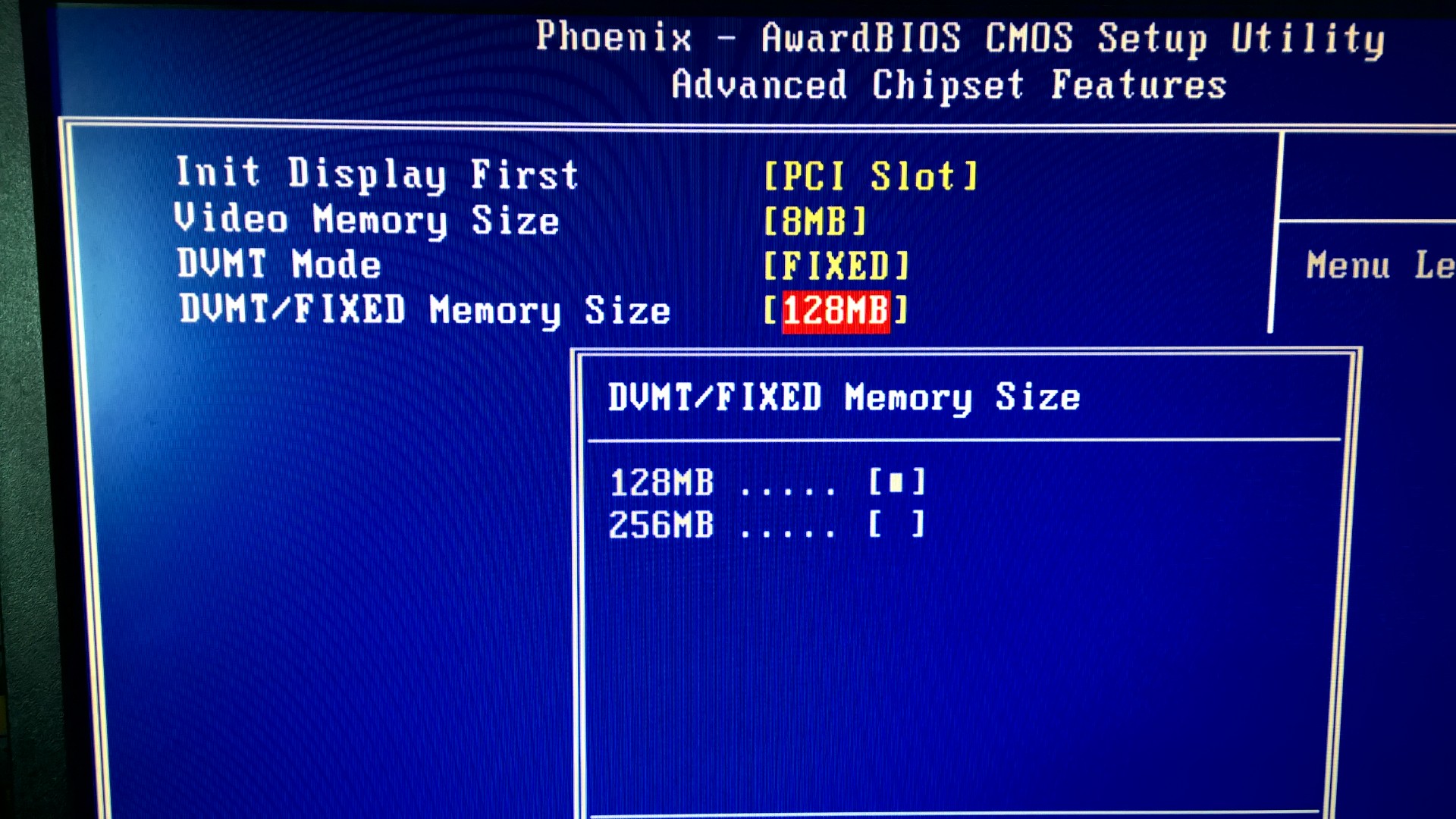
The BIOS screen capture is the standard PCI not the PCI-E, do you have a choice for PEG or PCI-E, some mainboard vendors place a different name on it.
Also try different cables or different ports on the VGA card to see if the problem comes from the card reading the monitor information. When there is a mismatch there are cases the monitor sort of panics as it cannot process the information coming from the VGA card.
Regards,

Insert Image Size must be less than < 5MB.
Save Cancel
Show more replies
Reply
Reply Cancel
0 0 on 31-12-2014
Rune1969

Thx. Paul.

But there is only the choice between PCI and onboard. See pictures.

I guess it is just to old to make it work.

Happy New Year.

Rune.


Insert Image Size must be less than < 5MB.
Save Cancel
Show more replies
Reply
Reply Cancel
0 0 on 06-01-2015
kaikoxx

Have you tried to go through all the ports on the graphics card when you have BIOS set to PCI Slot and the computer is on? (If it has more ports than one DVI and one HDMI)
Autosense might not work properly.

Insert Image Size must be less than < 5MB.
Save Cancel
Show more replies
Reply
Reply Cancel
3 0 on 06-01-2015
Rune1969

Hi Kaikoxx.
Thx. for the reply.
I have tried with DVI, HDMI and DP. Nine of them can wake up the monitor. I have also tried with two different monitors. Nothing.

Insert Image Size must be less than < 5MB.
Save Cancel
Show more replies
0
kaikoxx

What brand and what model is your motherboard and are you using using the latest bios for it?

0
kaikoxx

Also if the graphics card has dual bios switch near the crossfire bridge you should make sure it’s set to legacy mode since your motherboard doesn’t seem to be using UEFI bios.

0
Rune1969

The motherboard is in a Dell Vostro 400 and has the name DG33M03. I can see that it is from Foxxcon. It has the latest BIOS from Dell and in other forums I can read, that it should be fine.
There is a switch on the graphics card near the crossfire bridge that was set to pos. 2. Club3D Radeon R9 280 Royalking. No luck setting the switch to pos. 1.
Cannot find any dokumentation tough on what the switch does.

Reply
Reply Cancel
Login to Reply
Insert Image Size must be less than < 5MB.
Reply Cancel
  • All Posts
  • Following Posts
  • Blog
Copyright 2026 Club 3D B.V.