Insert Image
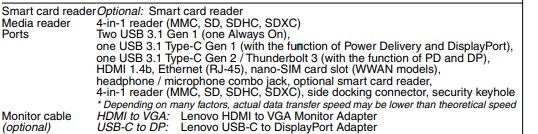
I have a Lenovo T-580 Laptop with i5-8350U running Windows 10 build 1809 with latest drivers. The T580 has two USB-C ports. One is connected to a CSV-1550 MST hub, which is driving QHD and WUXGA 60Hz displays. The other USB-C is driving a 4k@60Hz display. Everything works fine after hitting the reset button on the MST hub, but there are a couple of problems.
1) When Windows turns off the displays after detecting inactivity, the MST won’t wakeup/resume. I press a key or shake the mouse to wake up the system and the 4k display wakes up, but the displays connected to the MST hub don’t turn on. I have a to hit the reset button on the MST to get them to turn on. How do I get MST to wake up/resume automatically?
2) After using the system for several hours, sometimes the MST monitors start flickering simultaneously (go blank for several seconds then come back). The 4k monitor stays on.
I used the same setup and cables from a loaner Lenovo Ultra Dock (40AJ), which uses the same USB-C ports and has a MST hub inside it and didn’t experience either of these problems.
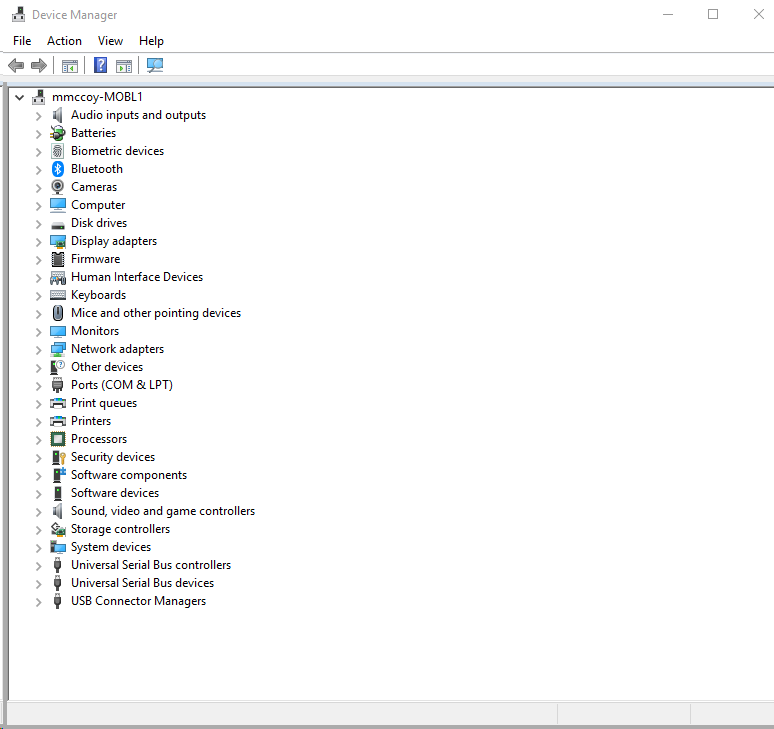
The device manager shows an Unknown USB device (Device Descriptor Request Failed). I didn’t check to see if they unknown USB device was present.

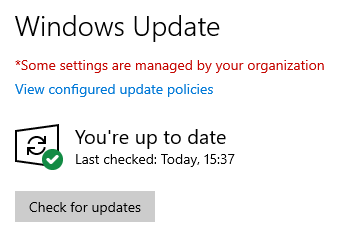
None of the steps helped. I performed steps 1 and 2. Fast start up in step 3 was already disabled, so nothing to do there. For step 5, I already have the latest BIOS installed from Dec 2019. I performed step 4 without rebooting. Is the reboot necessary?
Another problematic scenario I just discovered is the MST doesn’t wake up when I plug it in. I removed the laptop from my desk over the weekend and used it elsewhere. When I came back to my desk this morning and plugged in the MST and 4k monitor cables, the MST didn’t wake up. The 4k monitor did wake up. I had to hit the reset button on the MST to get it to turn on.